One Language,
Thirty Apps.
Building a unified global design system for 30 iOS and Android apps — with 2 designers, in 2 months, from first principles.
When we started, 30+ apps shared a product org — and nothing else.
When two worlds had to become one
When I joined, there was no design system at all. Every app ran on its own styles and fonts — even within the same SF family, each product made its own choices. No shared philosophy. No governing logic.
In the second year, we recognized this was unsustainable. My co-designer and I each built separate systems — one for iOS, one for Android. It worked, in isolation. But it was still two languages operating in two separate rooms.
Then the strategy shifted. The iOS and Android dev teams were now expected to collaborate on cross-platform apps. Suddenly, our two separate design systems weren't just inefficient — they were an architectural liability. Adopting either one would bake platform-specific assumptions into cross-platform products.
We had one choice: rebuild from a shared foundation.
Not a missing system.
A missing shared language.
"An iOS designer said 'primary blue'. A developer said 'surface container'. An Android designer said 'theme color'. They meant the same thing — and none of them knew it."
The root cause wasn't that we lacked a design system. We had two. The root cause was that every discipline had developed its own shorthand. When teams finally had to collaborate, the translation overhead was enormous.
A new cross-platform design system would only solve the problem if it gave everyone a single, unambiguous vocabulary. That meant token architecture wasn't a technical question. It was a communication design problem.
Two philosophies.
Three weeks. One token system.
This was the most contested part of the project. My co-designer and I each developed a naming architecture independently, then spent nearly three weeks debating, researching, and aligning with engineering. We studied Material 3, Atlassian's token library, and W3C token formats.
The fundamental question: should a token name describe where it's used, or how it looks?
- High developer familiarity — engineers already knew container / surface naming
- Excellent reuse rates; fewer tokens to maintain
- Well-documented, industry-proven structure
- Container/surface naming compresses color vocabulary into too few slots — insufficient for 30 apps with distinct visual identities
- M3's semantic layer assumes a single brand palette. Our apps do not share a brand.
- Designers found token names non-descriptive outside Material's own ecosystem
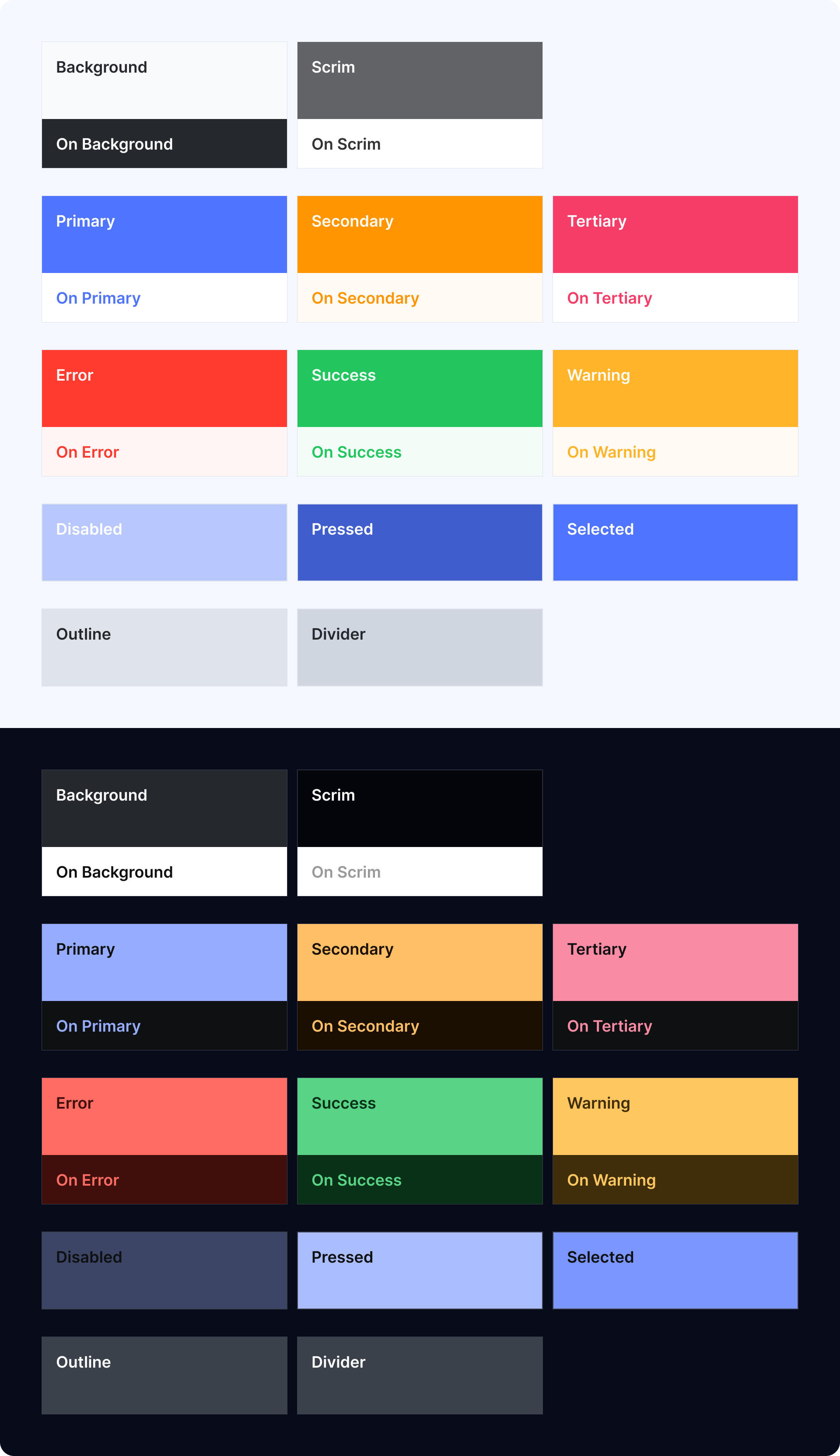
Contextual tokens named by purpose, not hue — called Local Colors. Each token communicates meaning to designers and developers without guesswork, and maps directly to both light and dark themes.
Semantic tokens
named by purpose.
Local Colors are semantic tokens that represent how colors are used in context throughout the product interface. Instead of defining a specific hue, each Local Color communicates purpose and meaning.
The naming rules follow a consistent hierarchy: surface tokens (Background, Scrim) anchor the canvas, role tokens (Primary, Secondary, Tertiary) carry brand intent, and status tokens (Error, Success, Warning) communicate state. Every token has a paired On {Token} for text and icons placed on top of it.
This structure keeps color usage consistent and meaningful across all 22 apps — designers and developers reference the same vocabulary whether they're building for light mode, dark mode, iOS, or Android.
Not a type scale.
A set of roles.
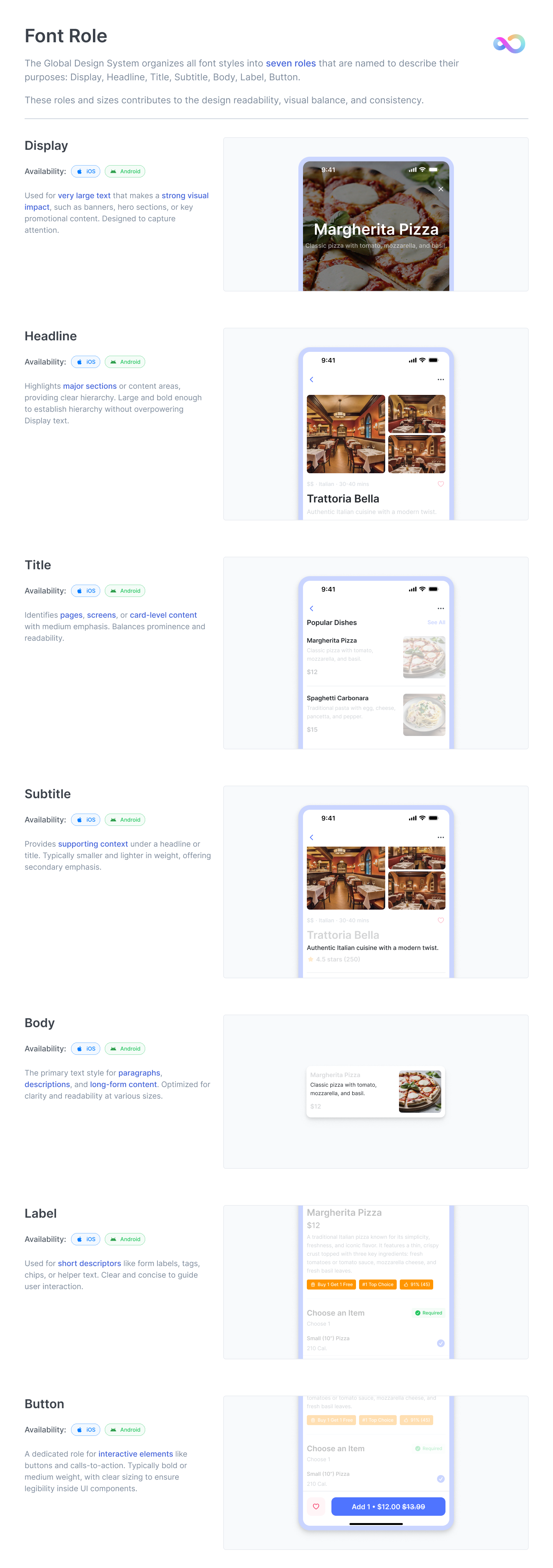
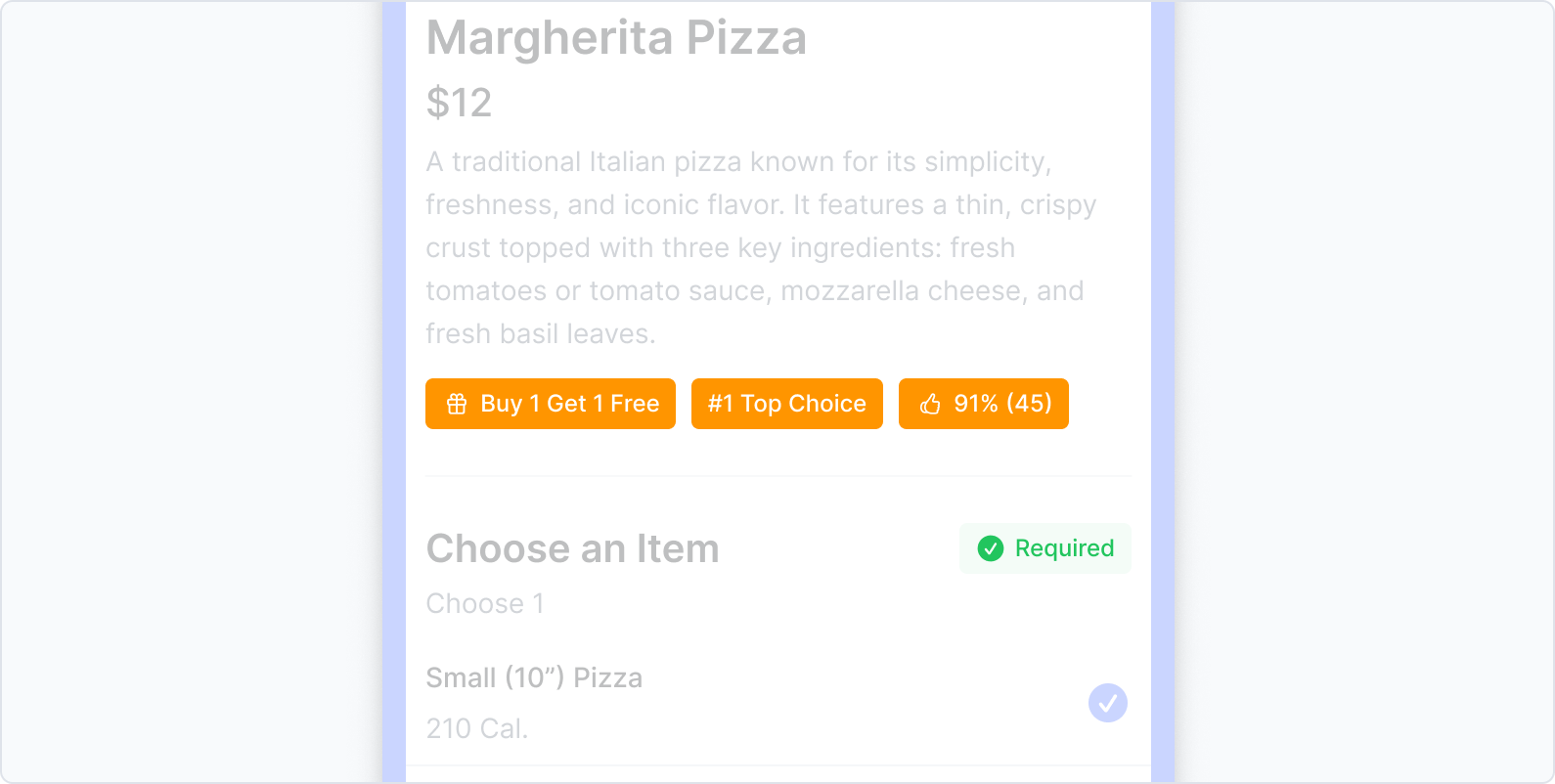
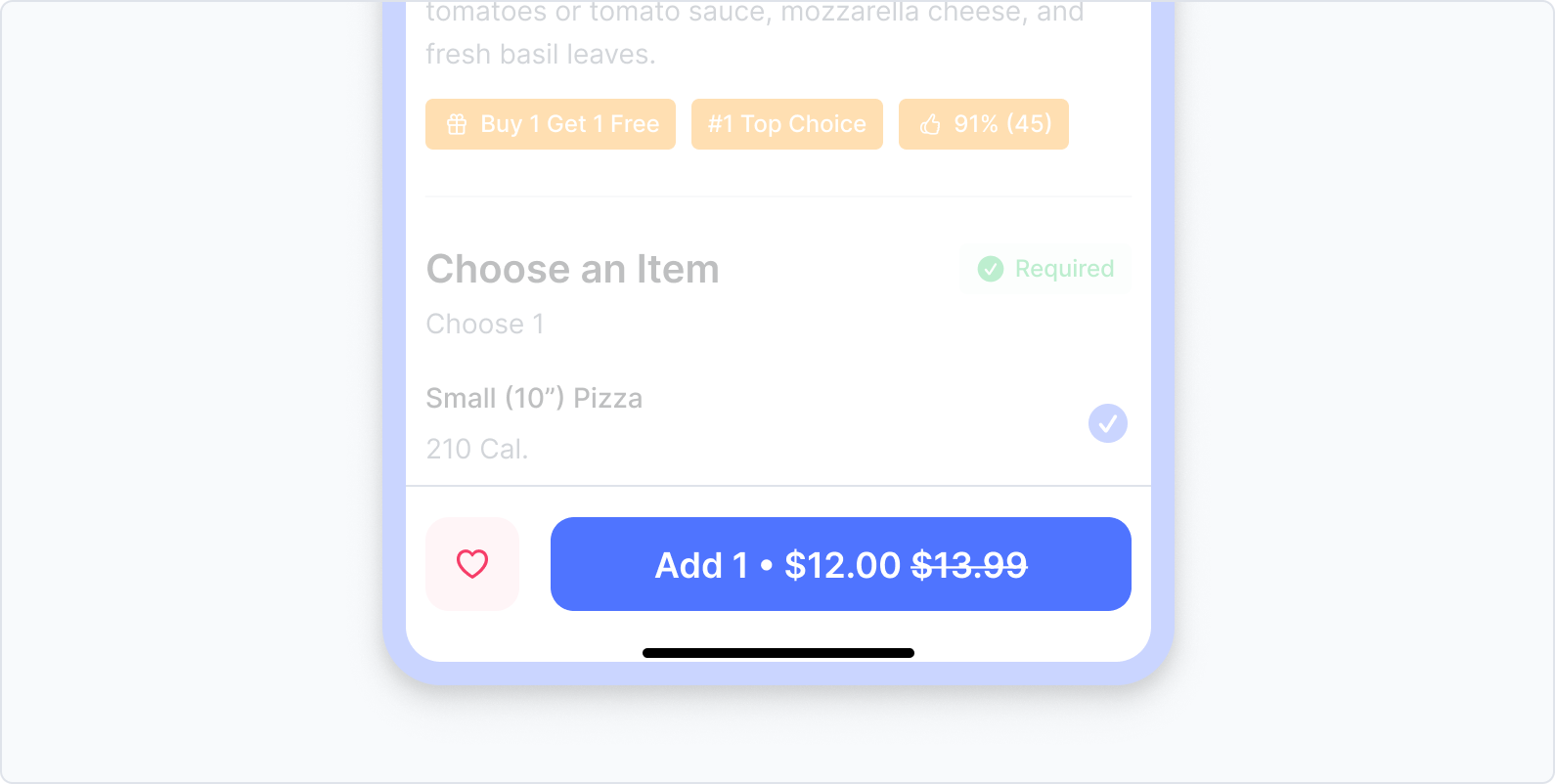
Cross-platform typography is usually solved by mapping font sizes. We took a different approach: instead of specifying what text should look like, we specified what it should do.
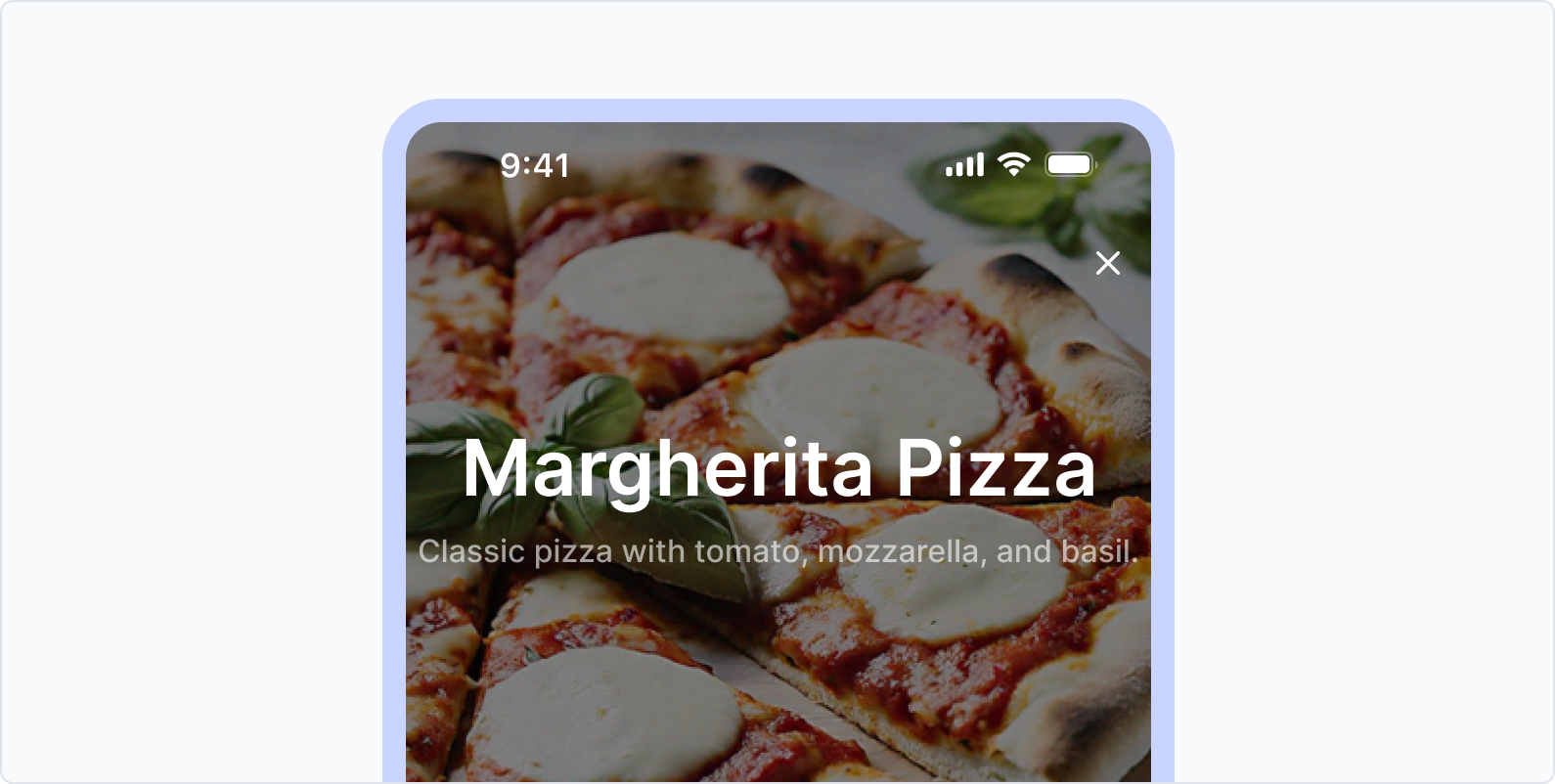
The system defines seven roles: Display, Headline, Title, Subtitle, Body, Label, and Button. Each carries a clear functional mandate. Both iOS and Android use the same role names — but render them with platform-appropriate font families underneath.
A designer building a new app doesn't start by asking "17px or 18px?" They ask "is this text playing a Title role or a Headline role?" The answer is consistent across every app, every platform.
A font that disappears into both platforms.
The obvious choices were SF Pro (iOS native) and Roboto (Android native). But using either would telegraph a platform preference — Android users notice SF Pro; iOS users notice Roboto. We needed something neutral, legible, and platform-agnostic.
Inter was chosen because its core metrics — x-height, stroke width, letter spacing, and line height — are remarkably close to both SF Pro and Roboto. Users don't notice it's a different font. They just notice the text is easy to read.
Unified tokens.
Respected conventions.
Unifying iOS and Android at the token layer surfaced a real tension: what do we do when the two platforms have different interaction patterns that users are deeply familiar with?
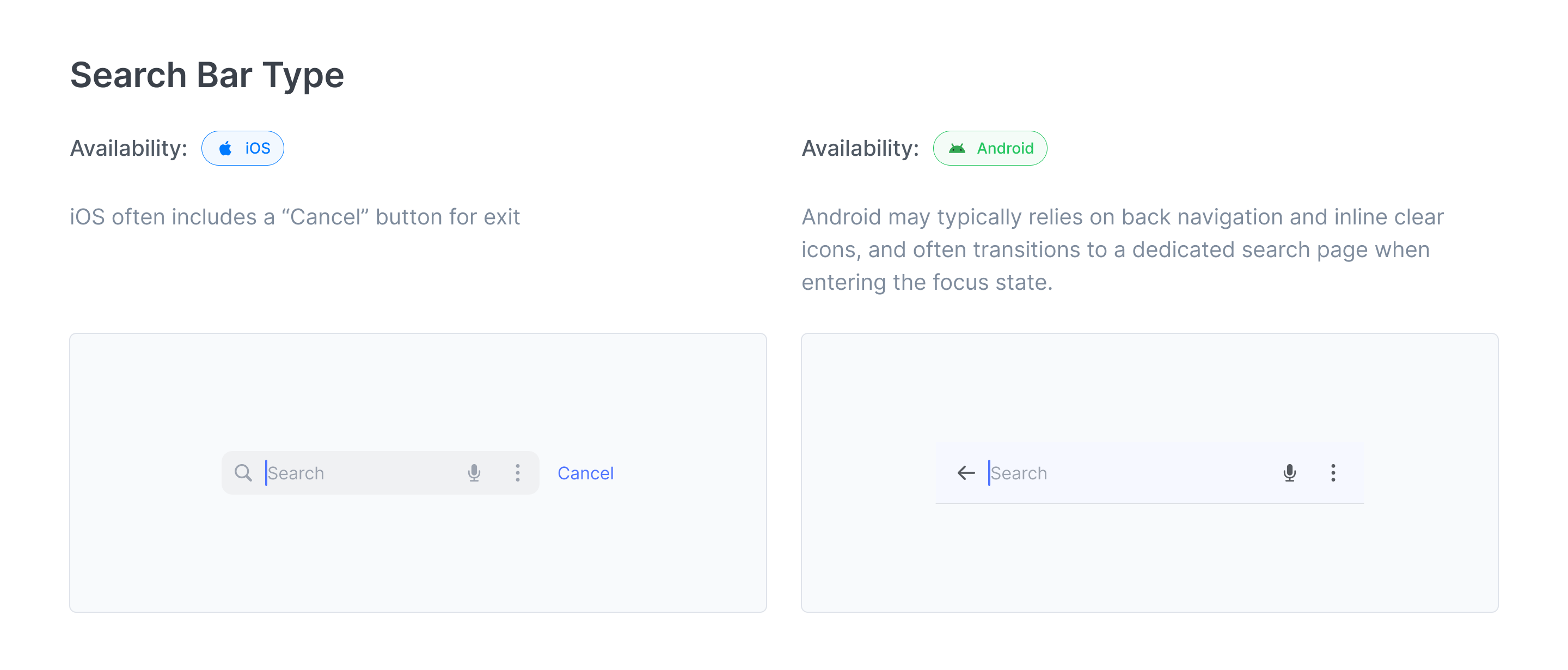
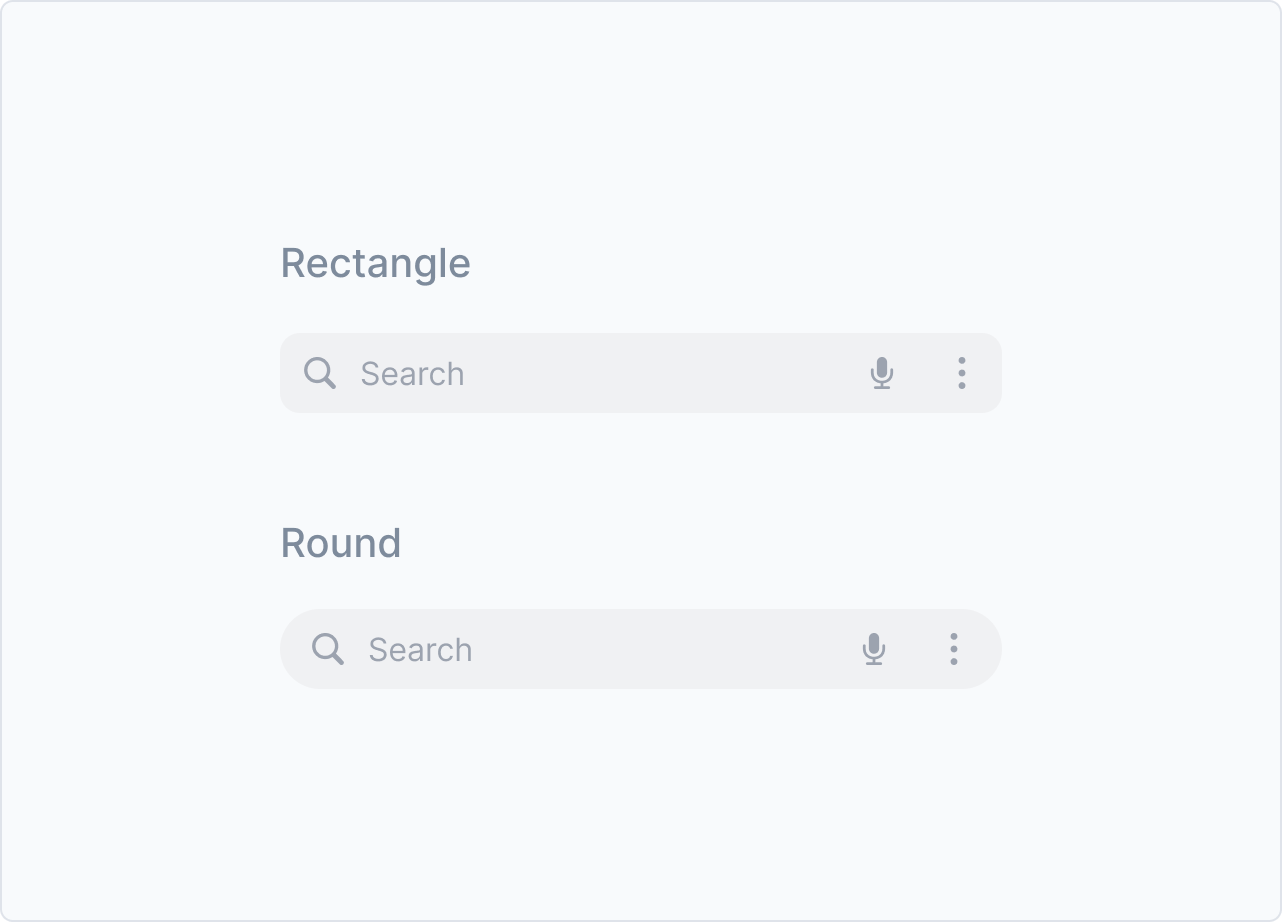
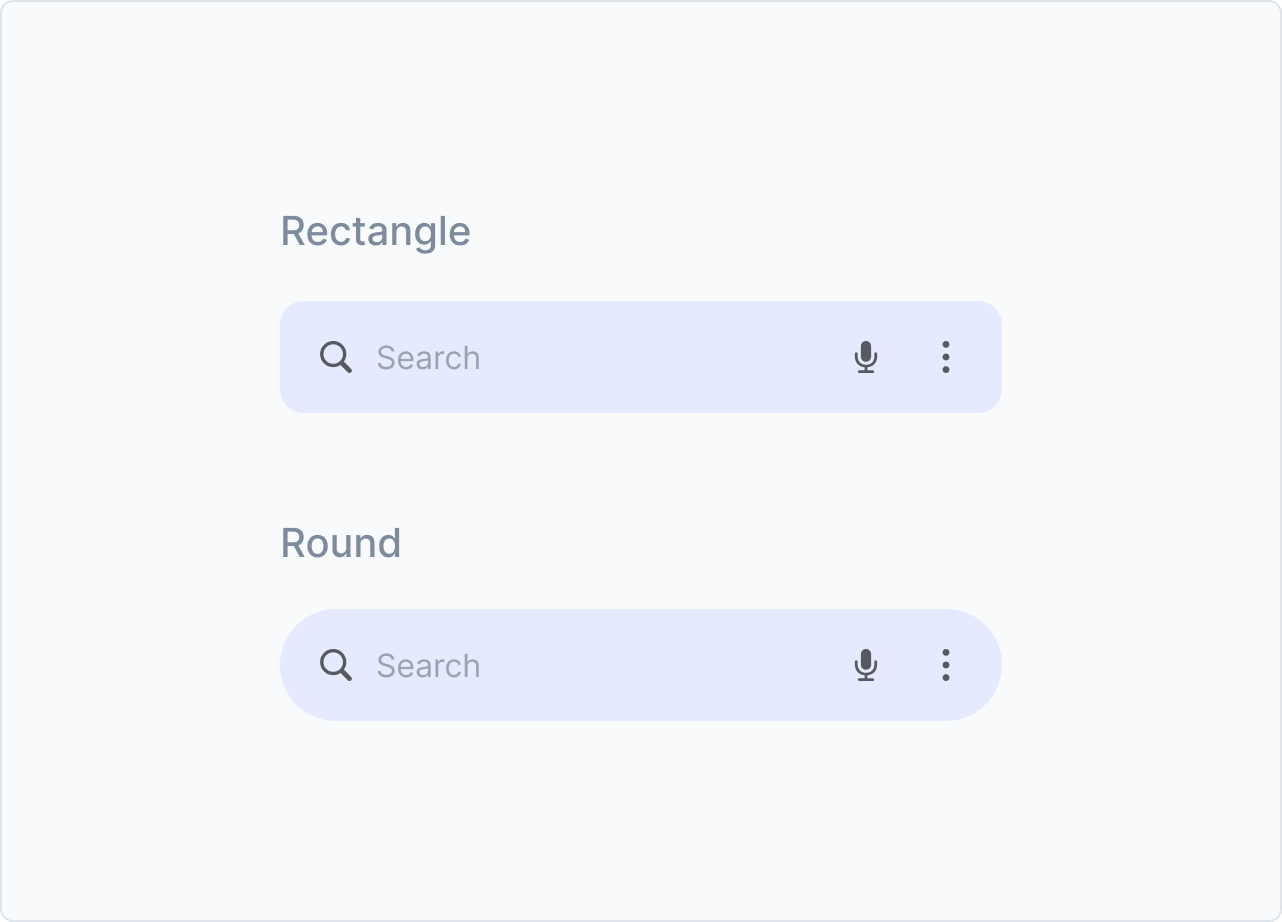
The clearest example was the search bar. Android users expect a visible focus state — a clear indicator that the field is active. iOS users typically just tap and type; a focus state feels redundant.
Our decision: the token layer stays unified. The component layer respects platform convention. Tokens govern color vocabulary. Components govern interaction behaviour. This is the right architectural split — and it maps directly to how Jakob's Law applies at a systems level.
Built for reuse.
Sourced from evidence.
Component selection wasn't based on guesswork. We cross-referenced Material 3, iOS Human Interface Guidelines, and Tencent's design system — then filtered against our own historical audit of what components appeared most frequently across the 30 apps. The result is a set of high-reuse, low-ambiguity building blocks that covers the full range of interaction patterns without over-engineering.
Same function,
different form.
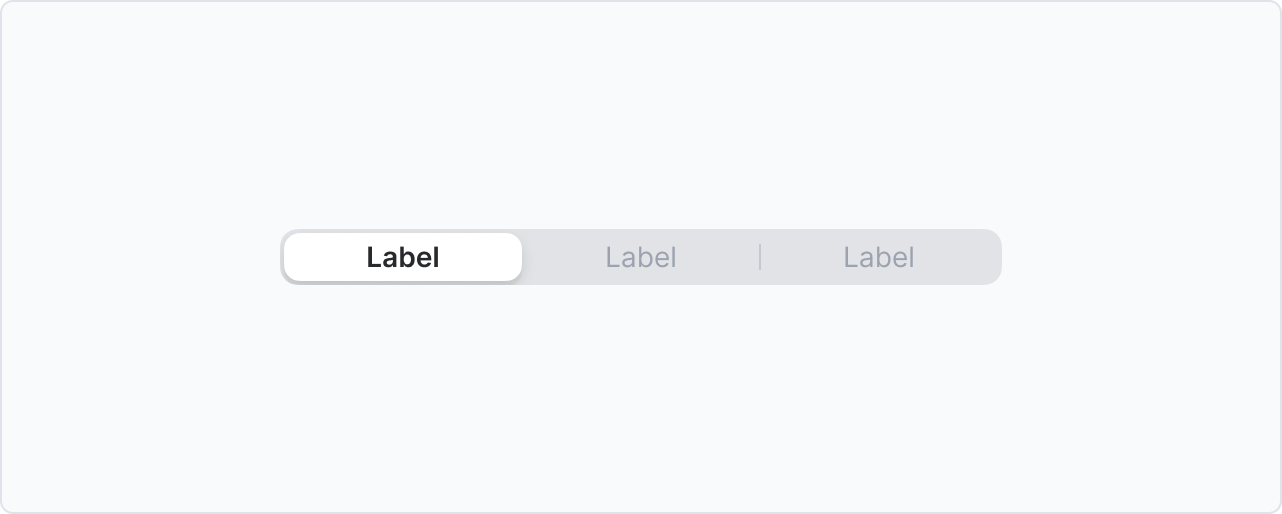
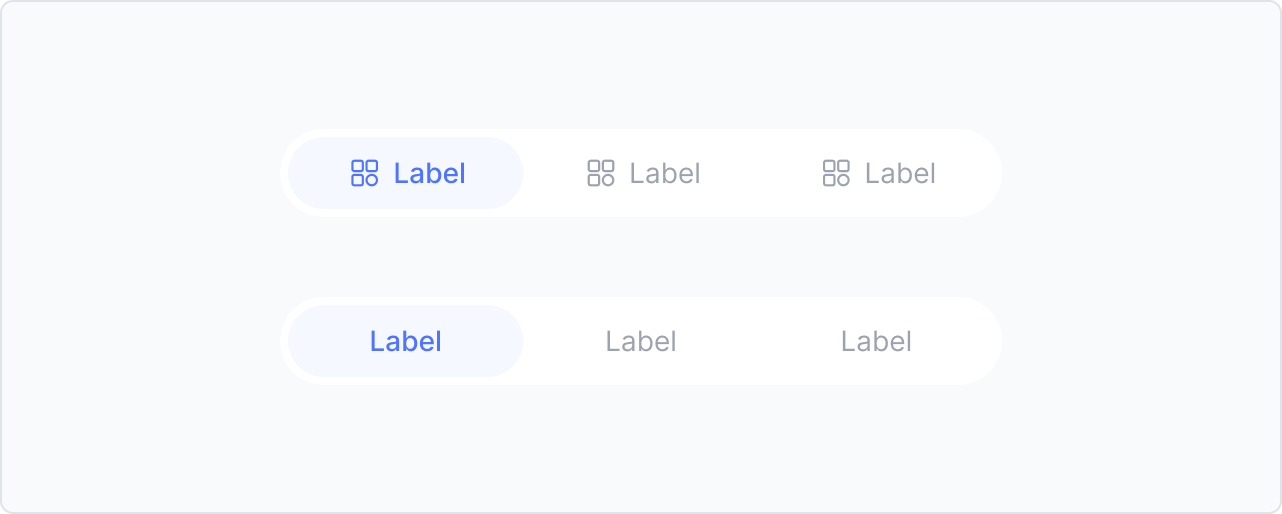
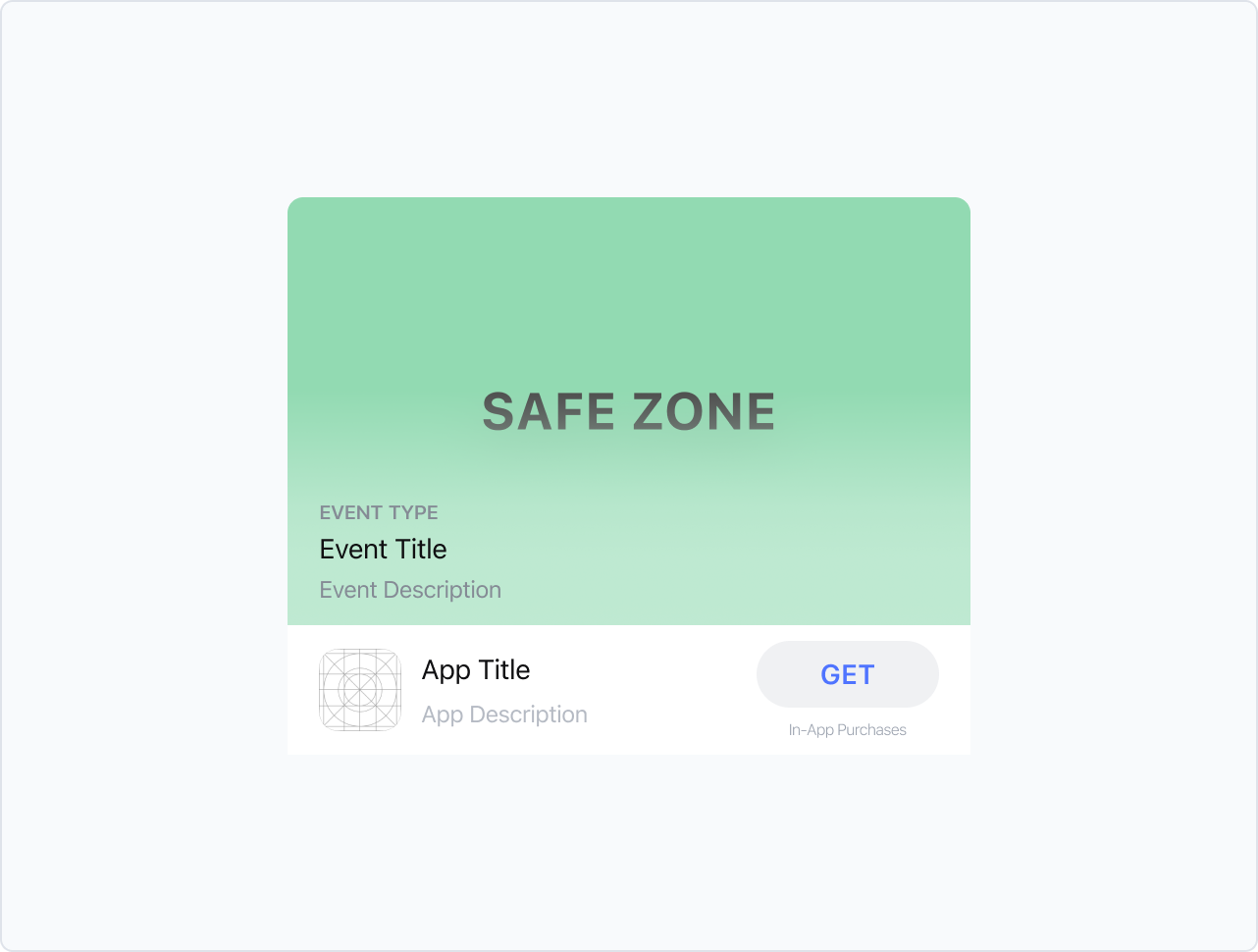
Most components share one unified design. But a handful carry enough platform-native meaning that forcing a single visual would break user expectations. For these, we made a deliberate call to maintain separate iOS and Android variants within the same system — same token layer, different component expression.


What we chose
not to build.
The instinct with design systems is to be comprehensive. We made the opposite call. A system that over-specifies becomes a ceiling, not a foundation — a lesson learned the hard way from our first-generation systems.
"A system that controls too much becomes a ceiling. We built a foundation — then got out of the way."
What changed.
5 new apps launched cross-platform from day one. VQA issue rate down from ~95% to ~80%. Engineering on iOS and Android now reference identical color names.